
Connect Microsoft 365 to your core systems
Secure .NET Web APIs on Azure that let SharePoint, Teams and Power Platform read from your ERP, SQL and production systems, signed in with Microsoft Entra ID.
Why low-code alone is not enough
- 01
Your data lives elsewhere
ERP, production and finance systems hold the numbers.
- 02
Connectors don't reach it
Or they reach it without the security you need.
- 03
Manual exports
Someone copies data into SharePoint every week.
The stack
.NET Web API on Azure, Microsoft Entra ID for sign-in, SQL Server stored routines, and SharePoint or Teams as the front end.
- .NET
- Azure
- Entra ID
- SQL Server
- Microsoft Teams





How we connect them
- 01
Sign in with Entra ID
One app registration with an admin-approved scope.
- 02
Read through read-only accounts
Scoped to the one database the app needs.
- 03
Run parameterised stored routines
No SQL is built in application code.
- 04
Filter at the database
Only the requested rows cross the network.
- 05
Generate PDFs on the server
The same document on every device.
- 06
Host on your Azure
The API stays under your control.
Delivery in phases of three to five weeks
Fixed scope, weekly progress updates, and nothing goes live before your team has tested it.
- 01ScopeA free call and a written scope.
- 02Fixed quoteOne price for the agreed scope.
- 03BuildPhases of 3 to 5 weeks, with weekly updates.
- 04Test and trainAcceptance testing with your team, then training.
- 05Hand overFull source code, documentation and a support period.
Integration questions
- Will you write to our ERP?
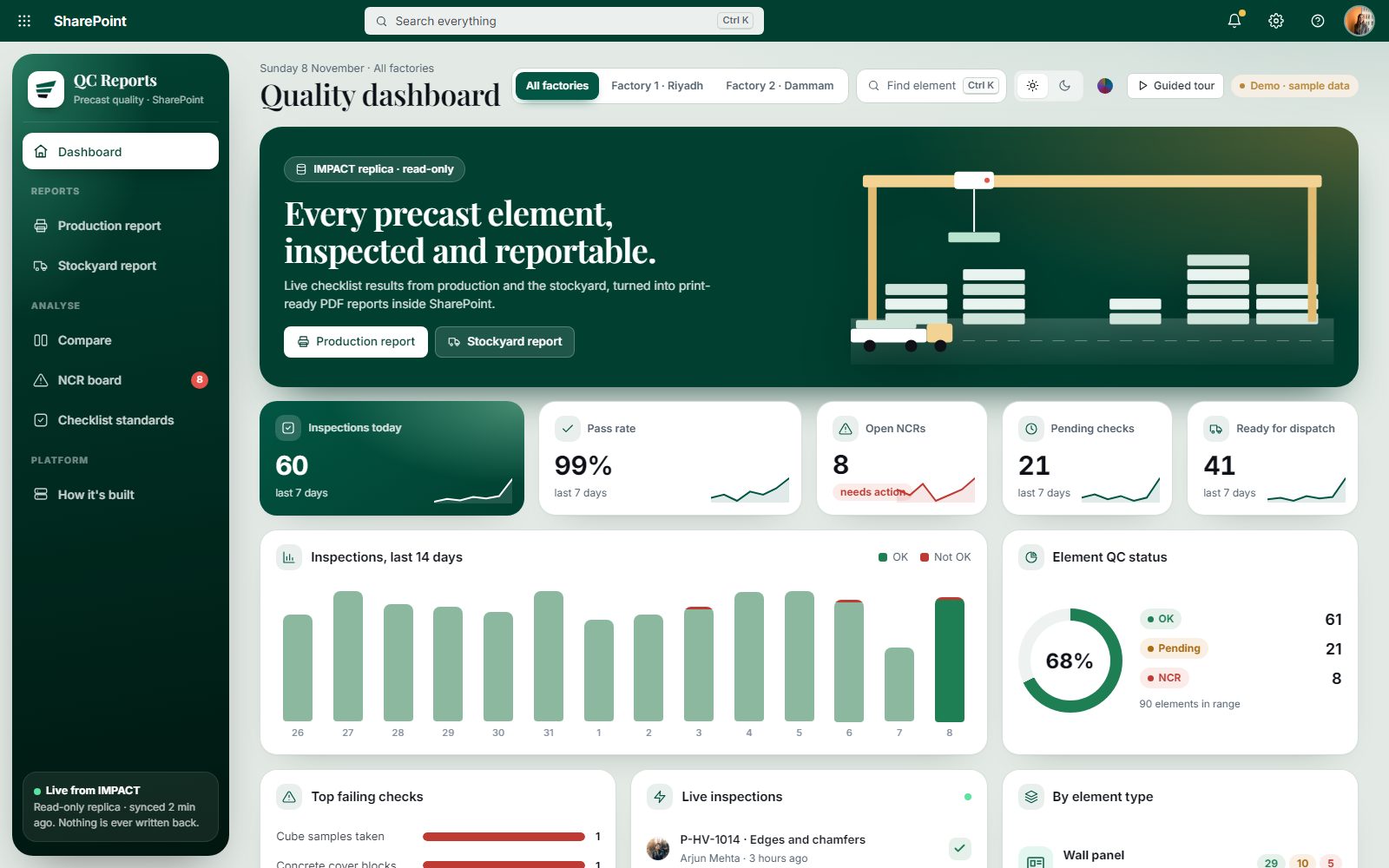
- Only if you need it. Our QC integration reads a read-only replica and never writes back.
- Where is the API hosted?
- On your own Azure subscription, so it stays under your control.
- Which systems can you connect?
- Anything with a database or an API: SQL Server, ERP systems and production software.